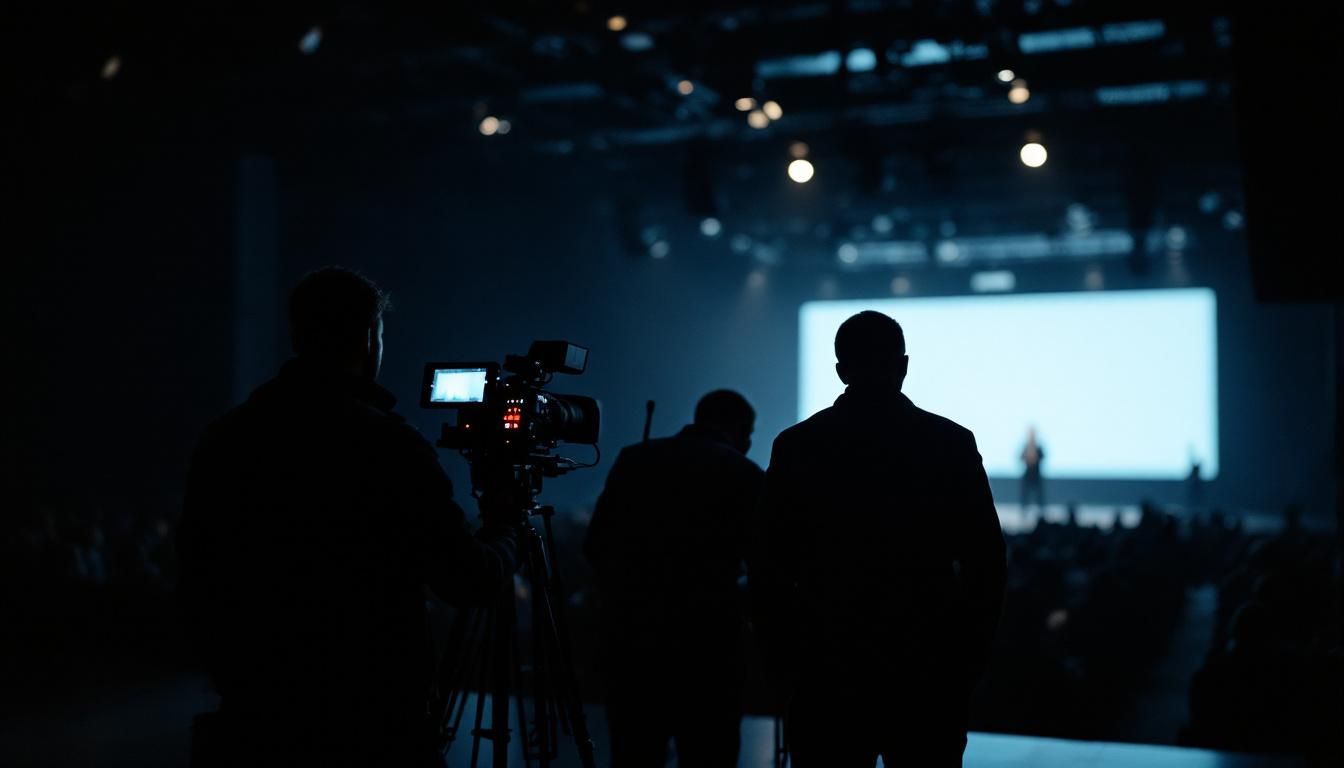
A client opens the footage folder from their company's annual conference. Three hours of speeches, two product reveals, a panel discussion, an awards segment. They hired a single videographer for the day. The footage is technically clean. The framing is good. The exposure holds.
And the edit will be a struggle. Because there's only ever one angle of anything.
What Single-Camera Coverage Actually Means
On a live event, a single camera makes one decision at every moment in time. Where to point. What to focus on. What exposure to hold. There is no second perspective. There is no cutaway shot. There is no reaction. There is only the one angle the operator chose.
That's fine for a five-minute speech with one speaker behind one podium. The maths break the moment the event has any of the following:
- More than one speaker on stage
- Audience interaction that needs to be seen
- A product or visual element on the stage screen behind the speaker
- Any movement, performance, or repeatable moment that can't be reshot
Once the event includes any of these, single-camera footage loses dimension before it's even back at the edit desk. The operator was making impossible choices on the day.
Where the Gap Shows Up in the Edit
The editor opens the footage and looks for three things almost immediately. None of them are present in single-camera coverage of a live event:
- Cutaways. The shot you use to bridge two parts of a speech without holding the same wide angle for 90 seconds. Without a second camera, the edit either holds the wide shot too long or relies on B-roll that may or may not exist.
- Reaction shots. The faces in the audience laughing at a punchline. The colleague nodding during a difficult moment. Reaction shots carry emotional truth that cannot be staged later. They only exist if a second camera captured them as they happened.
- Insert detail. The hands gesturing, the cufflinks, the slide on the screen, the close-up of the product. Texture cuts that make a 30-minute keynote watchable as a 4-minute highlight reel.
Without these, the editor has two options. Cut a long, slow piece that respects the available footage. Or pad with stock and B-roll until it feels like a finished video. Both options compromise the final piece.
Why Solo Operators Say Yes to Jobs They Can't Cover
It's worth understanding why this keeps happening. A solo videographer gets offered a multi-camera-scale job. They have the option to say this needs a team, here's what that team costs. Or they say yes and figure it out.
Most say yes. The reasons are not malicious.
The budget the client has set is often closer to a single-operator day rate than a team rate. The videographer would rather take the job at the offered price than lose it to someone else. They tell themselves they can compensate by being faster, by moving the camera more, by using a longer lens for stage close-ups and a wider one for the room. Those compensations help. They do not fix the fundamental coverage gap.
The other reason is harder. Some solo operators don't have a network of trusted second camera ops to bring in. So the choice is solo or no job. Without a bench, the team approach is unavailable to them.
The Two-Camera Minimum and What Each One Does
For any live event with multiple speakers, audience reaction, or stage visuals, two cameras is the minimum. Three is more common for anything that will be cut into a highlight piece.
What each camera is doing differs:
- Camera A. Locked off or near-locked on the wide stage shot. This is the safety angle that holds the geometry of the room. If everything else fails, this gets you a usable cut.
- Camera B. Operated, often on a longer lens, picking up tight shots on whoever is speaking. Punch-in for emphasis. Insert details when there's stage activity.
- Camera C (when budget allows). Audience-facing. Captures reactions, applause, and the texture that makes the room feel full and engaged.
Each operator has a different job. The cameras are not duplicates. They're not redundancy. They're each solving a coverage problem the other can't.
How to Scope This From Your Brief
Before you ask any studio for a quote, three pieces of information change the scope:
- How many speakers, presenters, or performers will appear?
- How long is the longest single segment that has to be cut without losing rhythm?
- Is there any moment that absolutely cannot be reshot? A keynote opening, a CEO announcement, an award presentation?
Any single yes on the third question moves a single-camera engagement into a two-camera-minimum scope. The cost of missing a one-take moment with insufficient coverage is the entire project.
A studio that walks through these questions with you before quoting is doing scope work properly. A studio that quotes a single videographer for an event with multiple speakers and a CEO announcement is either hoping it will work or hasn't read the brief carefully. Either way, the resulting footage will look like the brief was missed.
When you're scoping an event shoot and you're not sure whether you need two cameras or three, ask the team you're considering to walk you through what each camera would be doing. The conversation reveals more than the line item.
That walkthrough is the first thing we do on any corporate event video production brief, because the camera count falls out of the run of show rather than out of a price list.