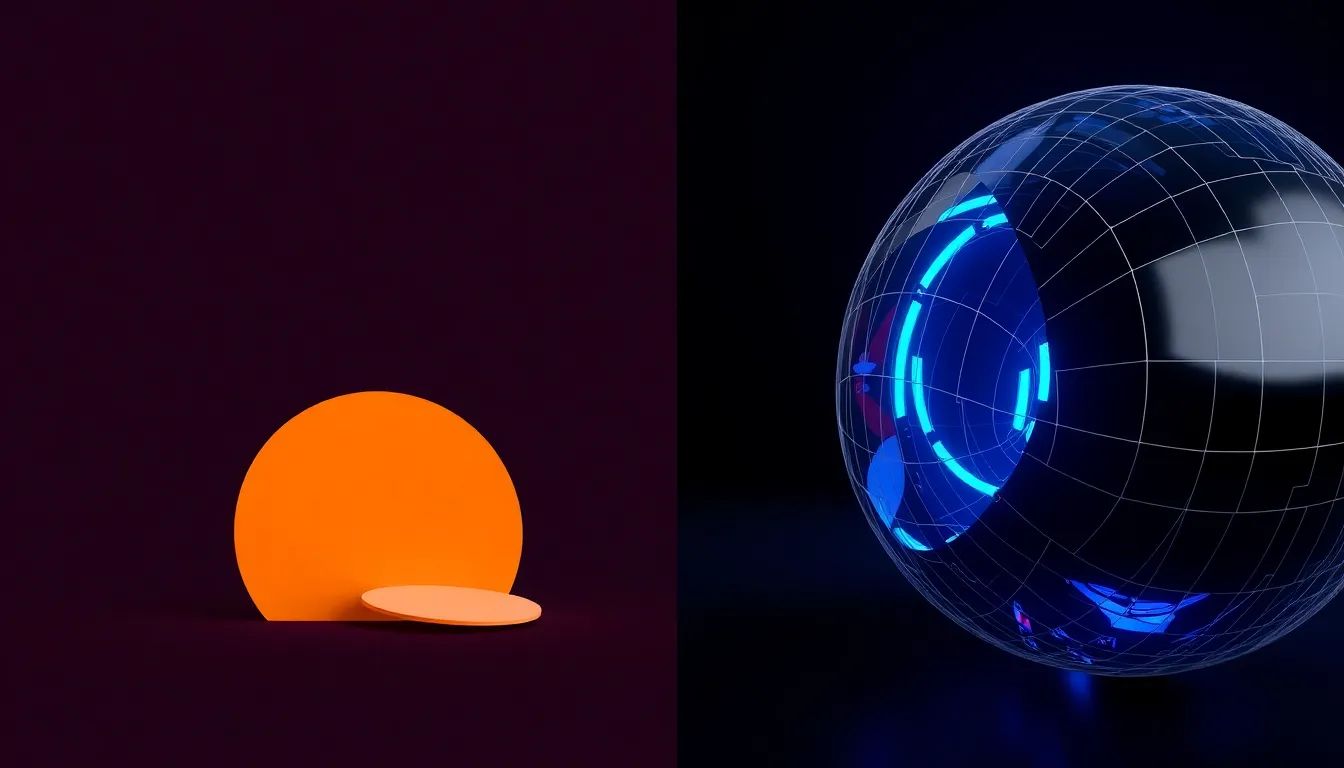
2D animation is faster and lighter to produce and suits explainers, UI walkthroughs, and stylised brand stories. 3D animation takes longer because it adds modelling, rigging, lighting, and render time, and it earns that effort when you need product accuracy, spatial realism, or a manufactured-but-real look. The right choice depends on what the animation has to show, not on which one looks more advanced on a reel.
What is the difference between 2D and 3D animation?
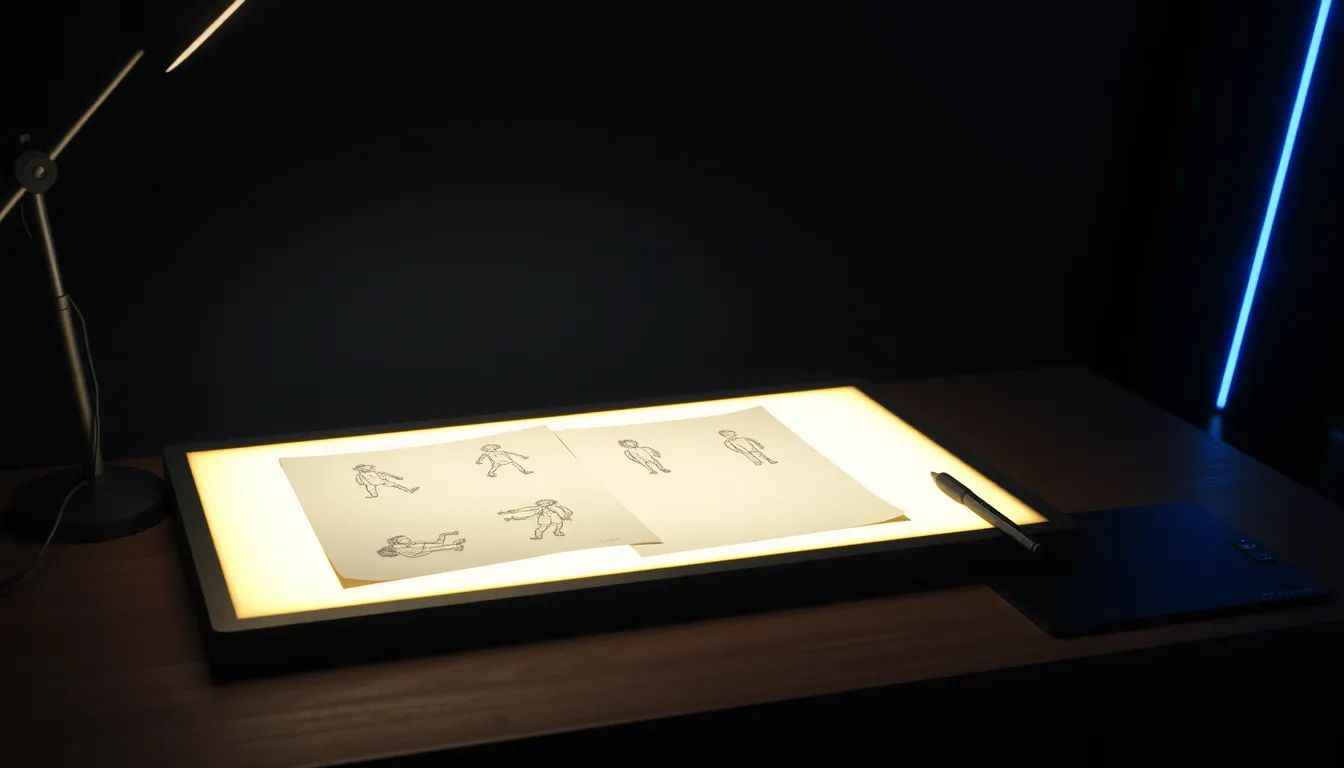
2D animation moves flat artwork in a two-dimensional space, the way an illustrated explainer or a motion-graphics title sequence does. 3D animation builds objects as models in a virtual space, then lights and renders them from any angle, the way a product visualisation or an architectural flythrough does. The gap matters because it changes the whole production pipeline, not just the final look. For background, see the general definitions of 2D and 3D computer graphics.
Which is faster to produce?
2D is usually faster, because it has fewer production stages. Once the style and storyboard are set, animators work largely in illustration and motion. 3D adds front-loaded stages that 2D does not have: modelling each asset, rigging anything that moves, setting up lighting, and then rendering, which can take hours of compute per finished second. As a rough guide, a 60-second 2D explainer often takes three to five weeks, while a comparable 3D piece can take six to ten weeks or more.
What drives the cost of each?
For 2D, cost follows illustration complexity and frame count: more characters, more detailed art, and more frames of full animation all add time. For 3D, the heaviest cost factors are asset complexity, simulations such as cloth, smoke, or fluid, and render time on the final frames. A simple 3D logo animates quickly, while a detailed product or environment can spend days in modelling and rendering before anyone sees a finished shot. Knowing which factors your project triggers is how you keep a 3D budget under control. We break this down further on our 3D development page.
When should you choose 2D?
Choose 2D when the goal is to explain or to charm rather than to show physical reality. It is the strong default for software explainers, data and process animations, social content, and brand stories with an illustrated style. 2D also adapts quickly across formats, which makes it efficient for campaigns that need square, vertical, and wide versions of the same idea. Our animation service covers this kind of work.
When should you choose 3D?
Choose 3D when accuracy, scale, or realism carries the message. Product visualisation, manufacturing and engineering, architectural spaces, and anything that must be shown before it physically exists are all natural fits for 3D. The style you pick also shapes the schedule, a point we cover in how a 3D animation style shapes the production timeline and in choosing a 3D animation style that fits your brand.
FAQs
Is 3D animation always more expensive than 2D?
Not always, but usually, because 3D carries extra stages in modelling, rigging, and rendering that 2D does not. A simple 3D animation can cost less than a heavily illustrated, fully animated 2D piece, so the deciding factor is the complexity of the work rather than the dimension itself.
Can you mix 2D and 3D in one video?
Yes, and it is common. Many strong pieces render objects or environments in 3D, then add 2D motion graphics, labels, and titles on top. Mixing lets you spend 3D effort only where realism matters and keep the rest light.
How long does a 30-second animation take?
A 30-second 2D piece often takes two to four weeks once the style is approved, while a 30-second 3D piece commonly takes four to eight weeks, depending on asset and render complexity. Storyboard and style approval sit on top of those ranges, so lock the look early.
Which is better for product visualisation?
3D is usually the stronger choice for product visualisation, because it shows a product accurately from any angle, including views that are hard or impossible to film. 2D still helps for the explanatory layer, such as callouts and step-by-step labels around the 3D product.
If you are weighing 2D against 3D for a specific project, send the brief through our project brief form and we will recommend the approach, timeline, and the cost factors to watch.
Choosing between 2D and 3D is the second question. The first is whether animation is the right medium at all, and the trade-off between 3D animation and live action is where that decision actually gets made.